Paying for CodeScan Cloud
Setting up payment for CodeScan Cloud is very easy. First login to your Cloud Account and switch to the Organization for which you would like to set up payment for.
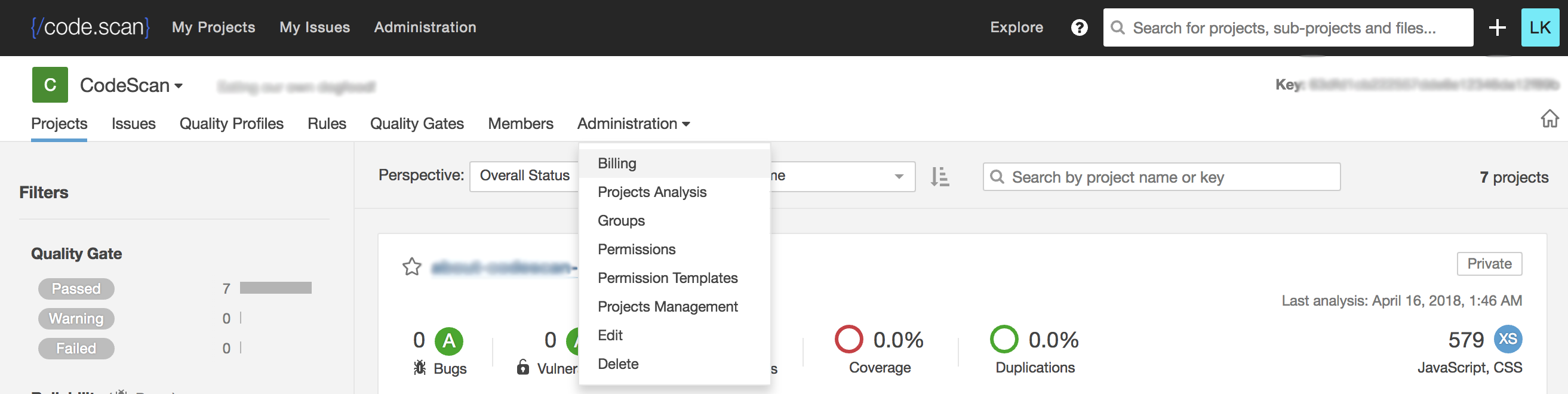
1. On the menu, click Administration > Billing
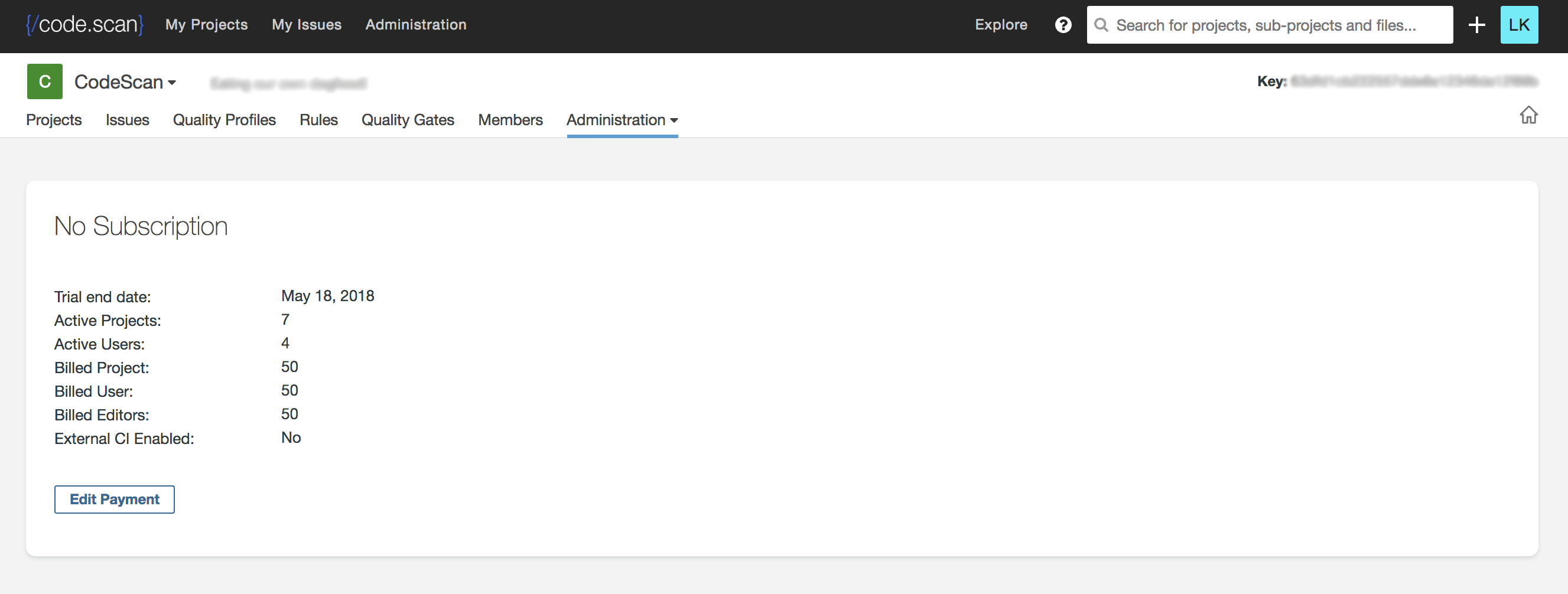
2. Click the "Edit Payment" button
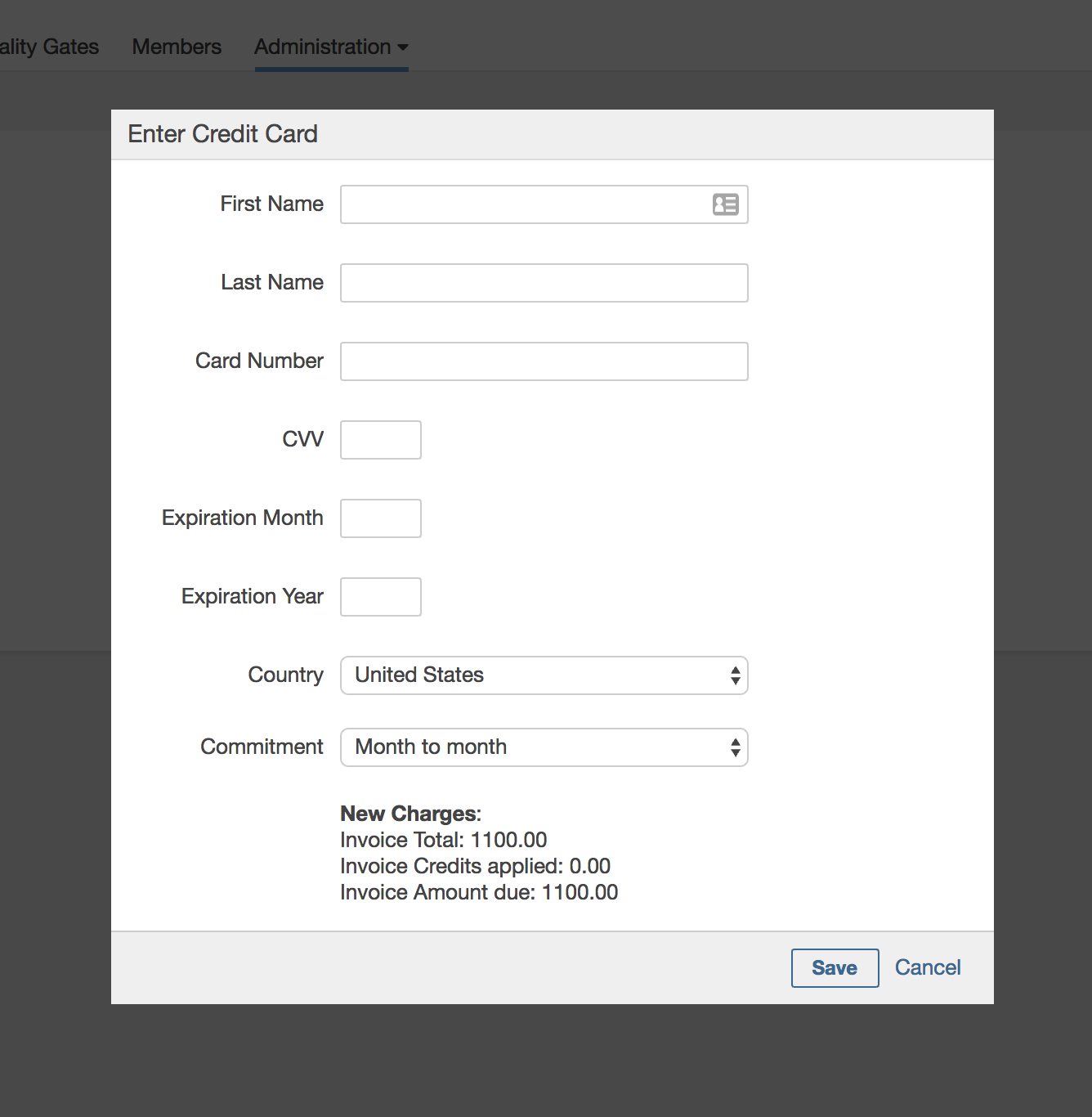
3. Check the plan and enter the Credit Card details
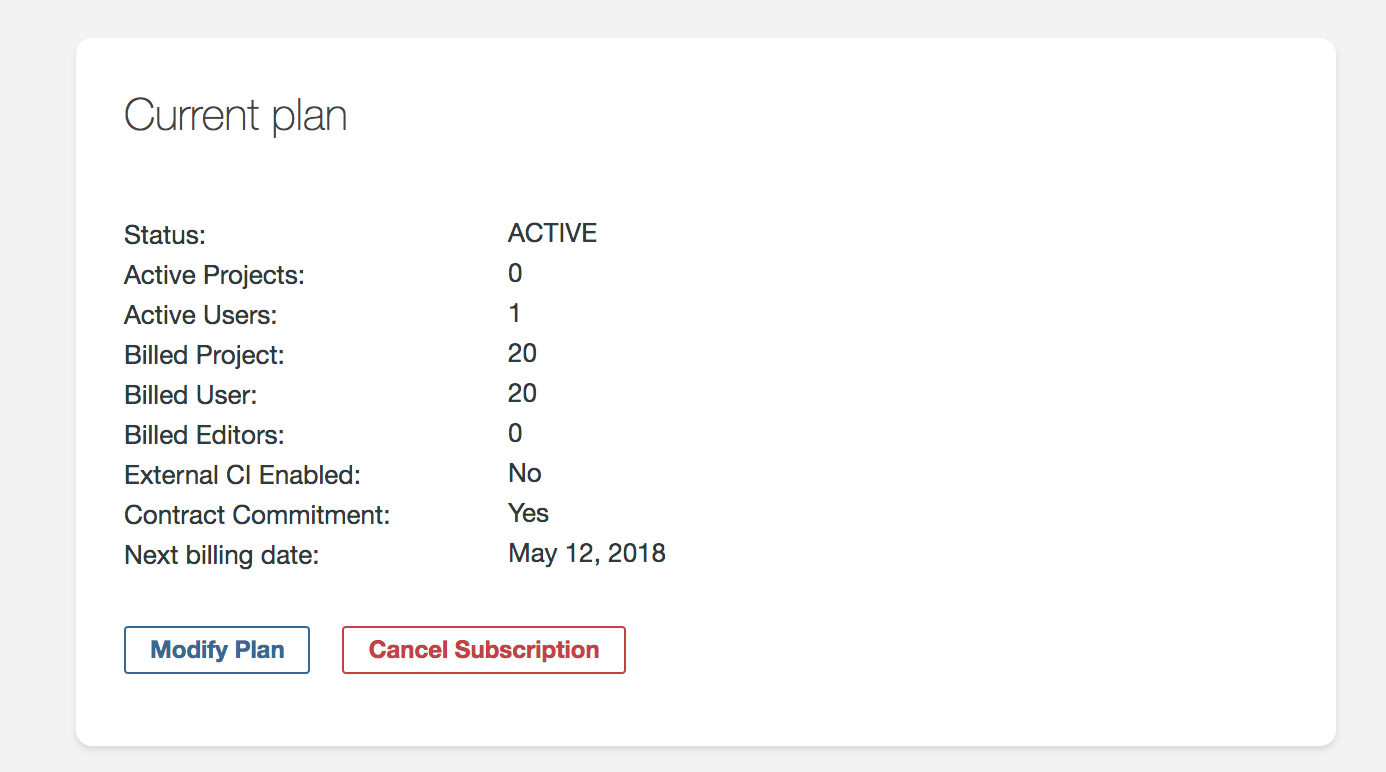
4. Once payment is approved, you should see the plan as below
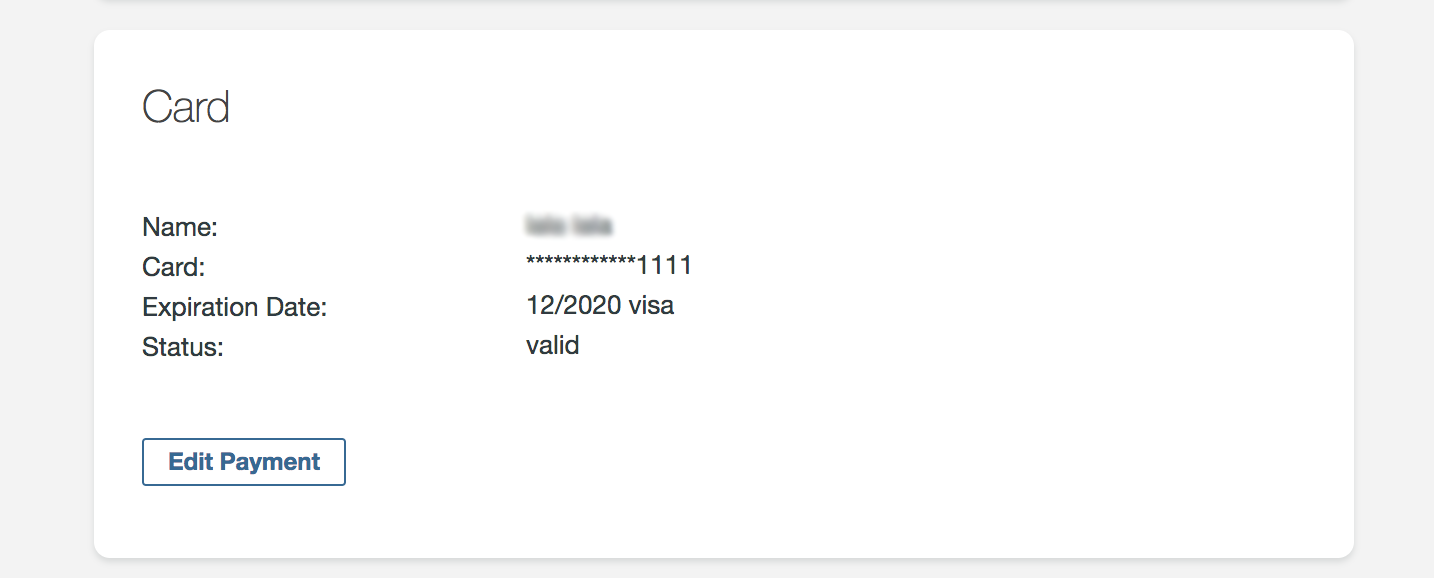
5. You can always edit the card details
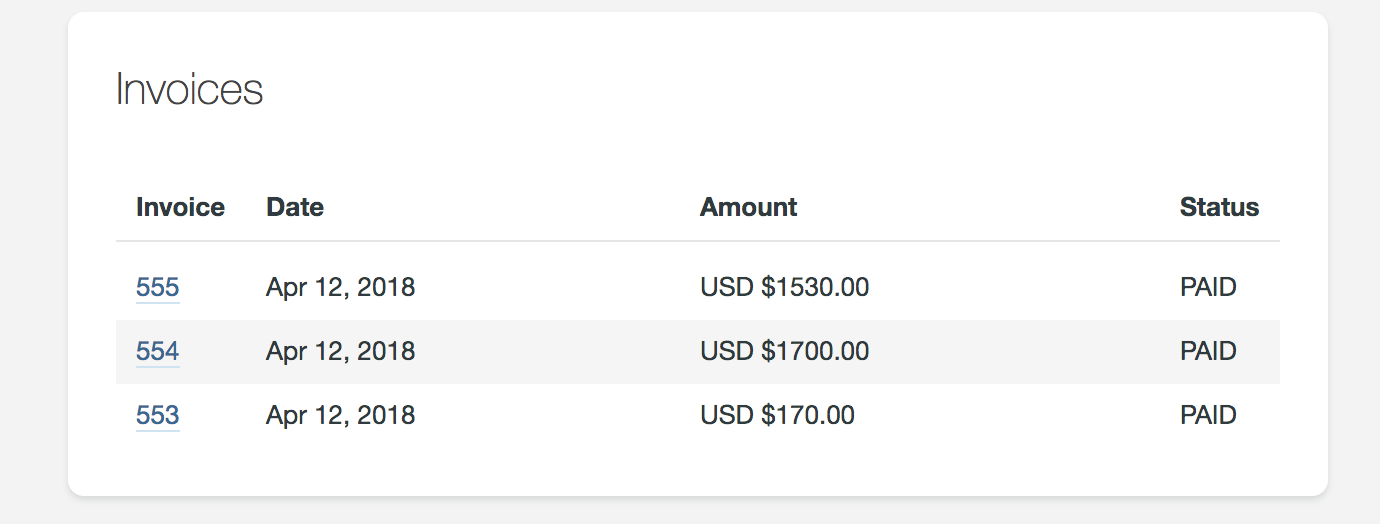
6. You can always download your invoices